Dapper With Stored Procedures: A Simple Enterprise Pattern
Learn how Dapper and SQL Server stored procedures can create a clean data access pattern for MVC applications without Entity Framework.
Read articleDatabase Design
A beginner-friendly database planning checklist for tables, relationships, audit columns, soft delete, lookup values, and stored procedures.
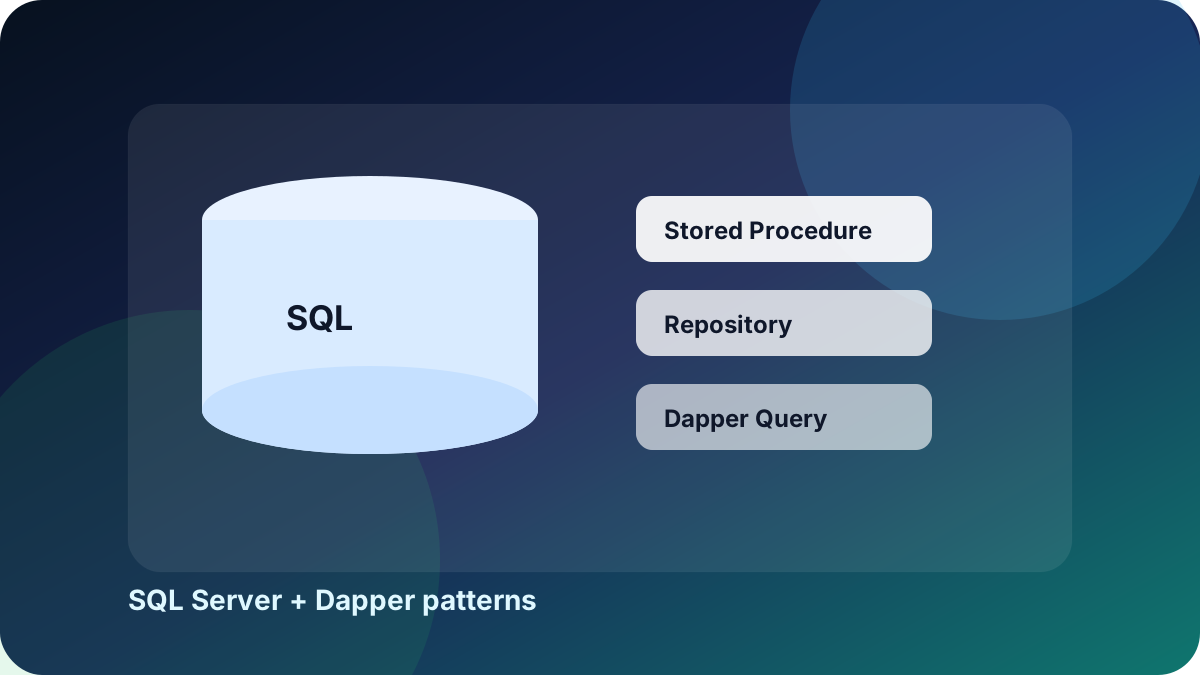
Before creating tables, list the business modules. For example, a workflow system may need clients, leads, projects, tasks, invoices, payments, documents, support tickets, and users. Each module should have a clear purpose.
After modules are clear, identify relationships. A client can have many projects. A project can have many tasks. An invoice belongs to one client and may have many invoice items. This step prevents confusing table designs later.
Most enterprise tables should include CreatedOn, CreatedBy, UpdatedOn, UpdatedBy, IsActive, and IsDeleted. These fields make admin dashboards, reports, and support investigation easier.
Use NVARCHAR for text, DECIMAL for money, DATETIME2 for dates, BIT for true or false values, and BIGINT identity keys when the system may grow. Avoid storing comma-separated values when a proper child table is needed.
Create procedures for insert, update, delete, get by id, list, and active list. Keep names consistent so the repository layer stays predictable.
Related Reading
Learn how Dapper and SQL Server stored procedures can create a clean data access pattern for MVC applications without Entity Framework.
Read article
A clear project planning guide for students covering topic selection, modules, database design, documentation, screenshots, demo flow, and viva preparation.
Read article
Practical UI guidance for building modern Bootstrap admin dashboards with strong spacing, readable cards, tables, charts, and responsive navigation.
Read article