How To Plan A Final Semester Project Without Confusion
A clear project planning guide for students covering topic selection, modules, database design, documentation, screenshots, demo flow, and viva preparation.
Read articleFrontend UI
Practical UI guidance for building modern Bootstrap admin dashboards with strong spacing, readable cards, tables, charts, and responsive navigation.
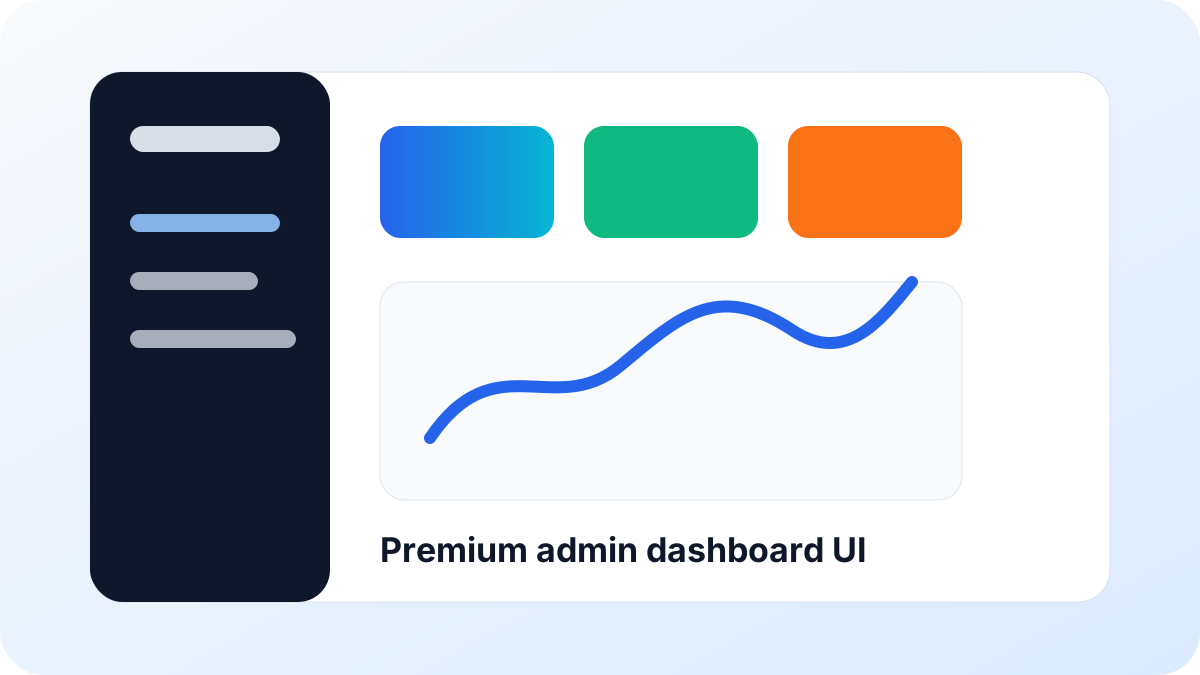
An admin dashboard is not a poster. Users open it to scan numbers, find records, update statuses, and move to the next task. A premium dashboard should feel calm, readable, and fast.
Use one strong accent color and enough neutral space. Make status badges clear. Keep typography readable. Use charts only where they help decision making, not as decoration.
Enterprise users often spend time in tables. Give them search, filters, status chips, action buttons, and clean empty states. A good table saves more time than a decorative dashboard block.
Build a client list page with search, source filter, active status, quick edit action, and a clean empty state. Then test it on a mobile viewport.
Related Reading
A clear project planning guide for students covering topic selection, modules, database design, documentation, screenshots, demo flow, and viva preparation.
Read article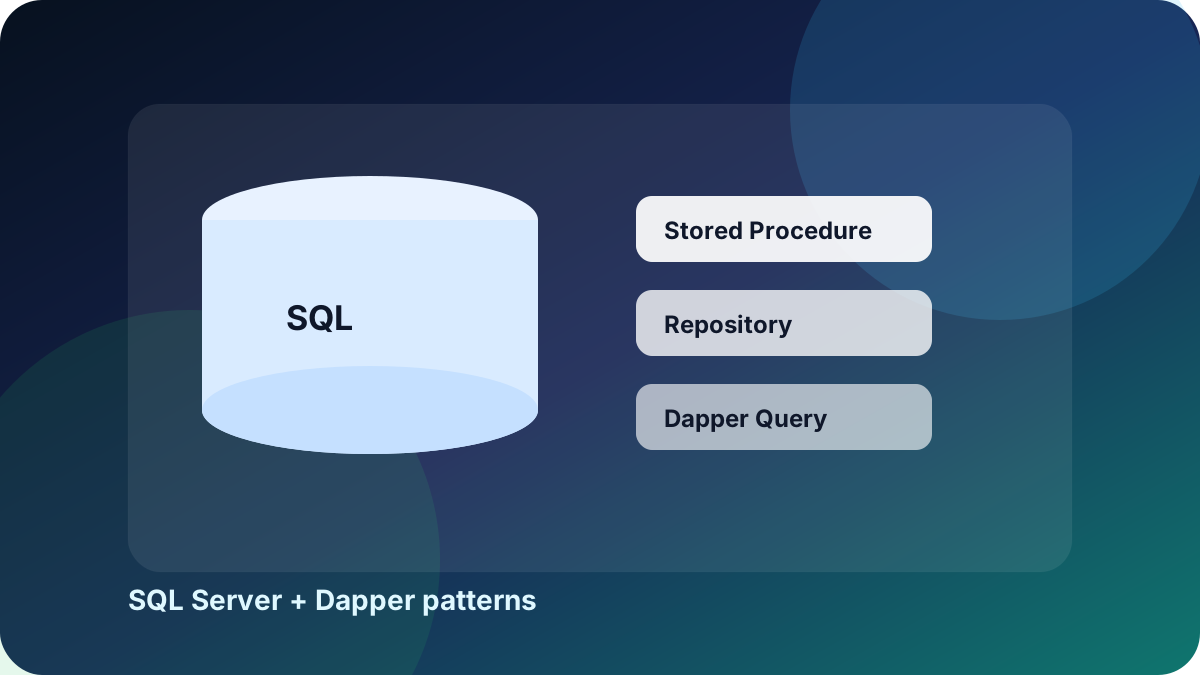
Learn how Dapper and SQL Server stored procedures can create a clean data access pattern for MVC applications without Entity Framework.
Read article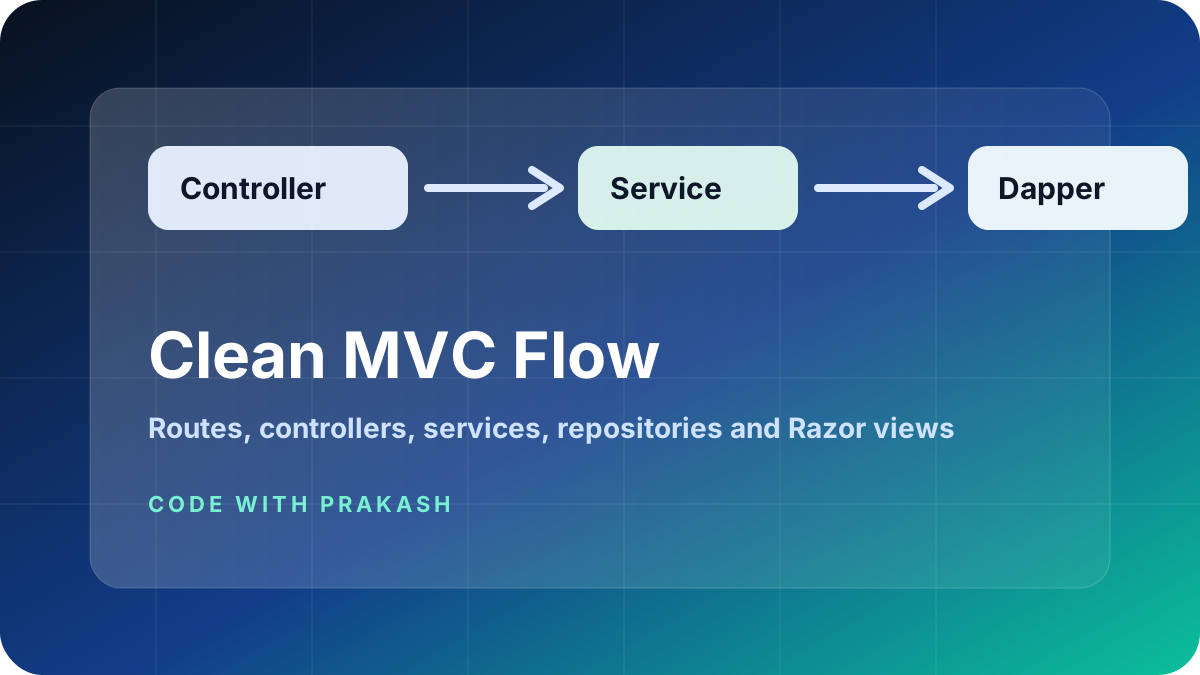
A practical guide to separating controllers, services, repositories, domain models, view models, utilities, and database scripts in an ASP.NET Core MVC application.
Read article